When you are prompted for your date of birth, enter it in MM/DD format. The year is not included.
- MM = two-digit month
- DD = two-digit day
- Example: June 1 is entered as 06/01.
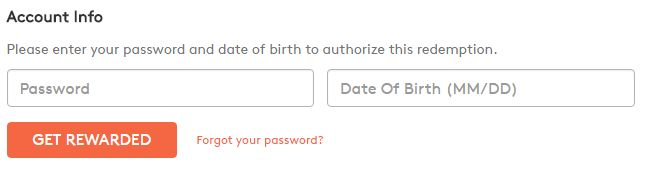
Can't find the date of birth fields?
If the fields do not appear or you cannot enter your date of birth, this is usually a browser issue you can fix yourself:
- Clear your browser's cache and cookies.
- Refresh the page and try to redeem again.
- If it still does not work, try a different browser or a private/incognito window.
Clearing cache and cookies resolves most missing-field problems. It is faster than opening a support ticket, so try it first.
If you have tried the steps above and still cannot enter your date of birth, contact us for support.